You can download your previous order tax invoice, you can login to your account on website to download PDF tax invoice or if you search your email for original order tracking/fulfilment email for download link to your tax invoice. Otherwise We automatically emailed invoice once your order has been dispatched(tracking number has been provided), please check your inbox from us with address info@dremc.com.au.
TABLE OF CONTENTS
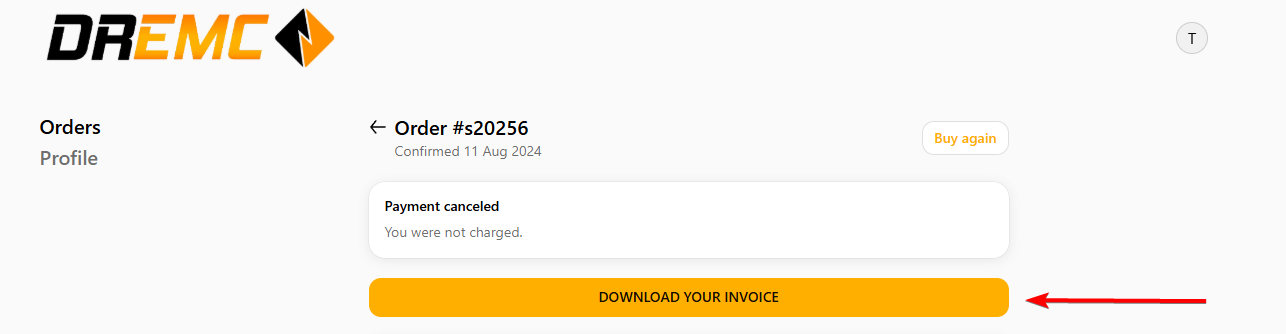
Download Tax Invoice from previous order under your account:
1. Login to your account, or create an account that use to checkout to see previous orders.

2. Click on my orders, and select order you wish to download tax invoice.

3. Click on the download tax invoice, it should open a page as PDF copy where you can then print or save onto your computer.
Was this article helpful?
That’s Great!
Thank you for your feedback
Sorry! We couldn't be helpful
Thank you for your feedback
Feedback sent
We appreciate your effort and will try to fix the article